What is Supertonic TTS?
Supertonic TTS is a next-generation text-to-speech system built for extreme speed and efficiency. By running entirely on your device, it provides unmatched privacy and zero network latency.
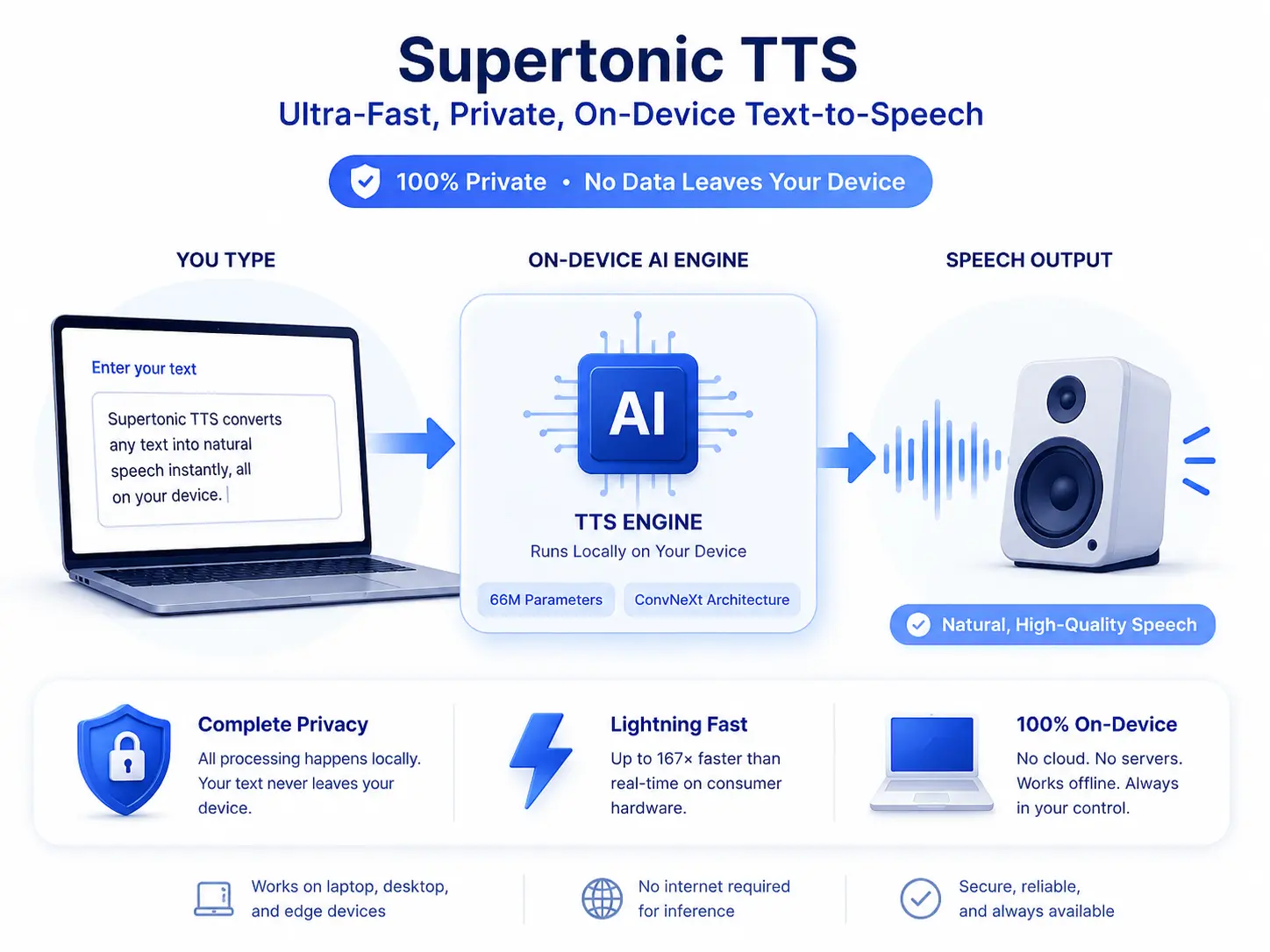
Complete Privacy
All processing happens locally. Your text never leaves your machine, ensuring 100% data security and privacy.
Lightweight Power
With only 66 million parameters and ConvNeXt architecture, it delivers high-quality speech on standard consumer hardware.
Raw Text Input
Directly processes numbers, dates, and symbols without complex normalization or pre-processing steps.
Architecture & Components
The system utilizes a three-component flow for high-fidelity synthesis:
- Speech Autoencoder: Creates continuous latent audio representations.
- Text-to-Latent Module: Maps written text to audio via flow-matching.
- Duration Predictor: Controls natural timing and pacing of speech.
Supertonic TTS uses cross-attention mechanisms to align text and speech automatically during generation, maintaining a simple but powerful workflow.
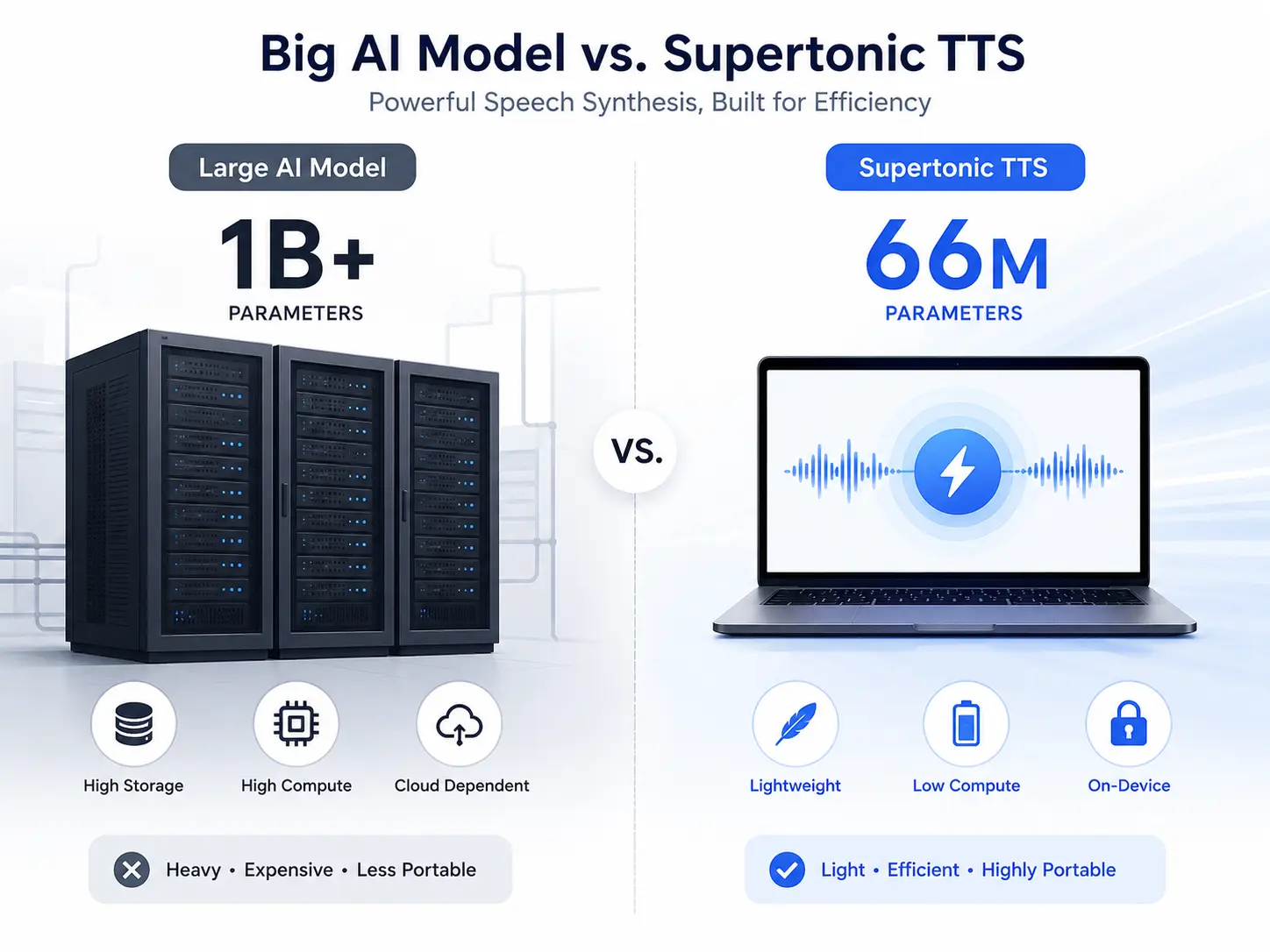
Overview of Supertonic TTS
| Feature | Description |
|---|---|
| System Type | On-Device Text-to-Speech |
| Model Size | 66 Million Parameters |
| Performance | Up to 167× faster than real-time |
| Deployment | Local Processing, No Cloud Required |
| Text Processing | Raw Character-Level Input |
| Runtime | ONNX Runtime |
| Research Paper | arXiv:2503.23108 |
Key Features of Supertonic TTS
High Speed Performance
Supertonic TTS generates speech at speeds up to 167 times faster than real-time on consumer hardware like the M4 Pro. This means a one-second audio clip can be created in approximately 0.006 seconds when using WebGPU acceleration. The system maintains this performance advantage across different text lengths, from short phrases to longer passages.
Lightweight Architecture
With only 66 million parameters, Supertonic TTS requires minimal storage and memory. This compact size makes it suitable for deployment on edge devices, mobile applications, and embedded systems where resources are limited. The model's efficiency comes from careful architectural choices that maintain quality while reducing computational requirements.
Complete Privacy Protection
All processing occurs locally on your device. Text input never leaves your machine, and no audio data is transmitted to external servers. This privacy-first approach ensures sensitive information remains secure and complies with data protection regulations. Users maintain full control over their content throughout the synthesis process.
Natural Text Handling
The system processes complex text expressions without pre-processing. It correctly interprets financial amounts like "$1.5M" or "€2,500.00", time expressions such as "3:45 PM" or "Mon, Jan 15", phone numbers with area codes, and technical units with decimal values. This capability reduces the need for text normalization steps that complicate other systems.
Configurable Parameters
Users can adjust inference steps to balance quality and speed. Fewer steps produce faster results, while more steps can improve audio quality. The system supports batch processing for handling multiple texts simultaneously, improving throughput for applications that need to generate many audio samples.
Multi-Platform Support
Supertonic TTS works across different environments including servers, web browsers, and edge devices. It supports multiple runtime backends including ONNX Runtime for CPU processing and WebGPU for browser-based acceleration. This flexibility allows developers to choose the deployment option that best fits their application requirements.
How to Use Supertonic TTS?
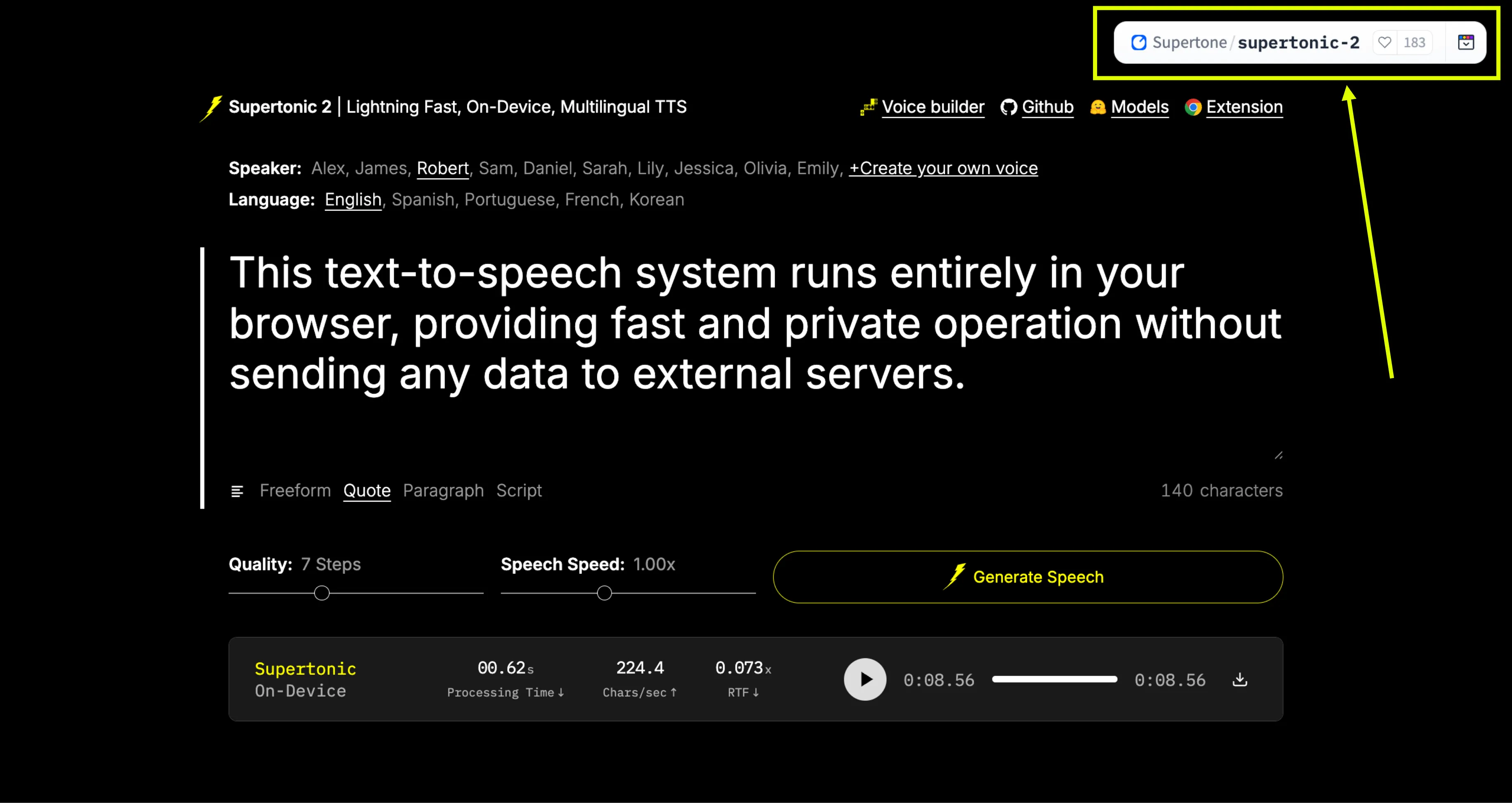
Step 1: Access the Platform
Go to the official Supertonic TTS Hugging Face Space: https://huggingface.co/spaces/Supertone/supertonic-2
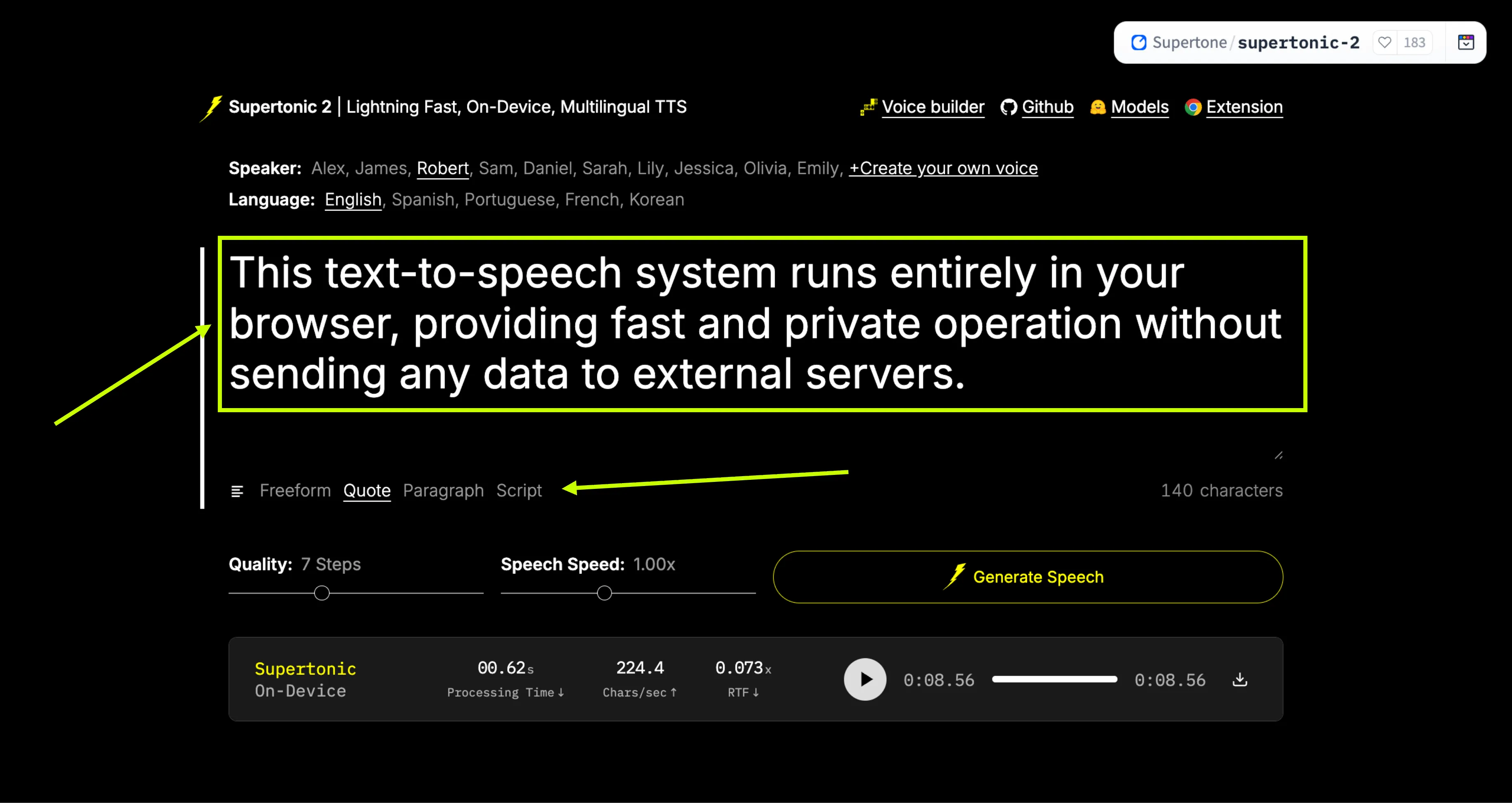
Step 2: Enter Your Text
In the prompt bar or placeholder, enter any freeform text, quote, paragraph, or script that you want to convert to speech.
Step 3: Configure Settings
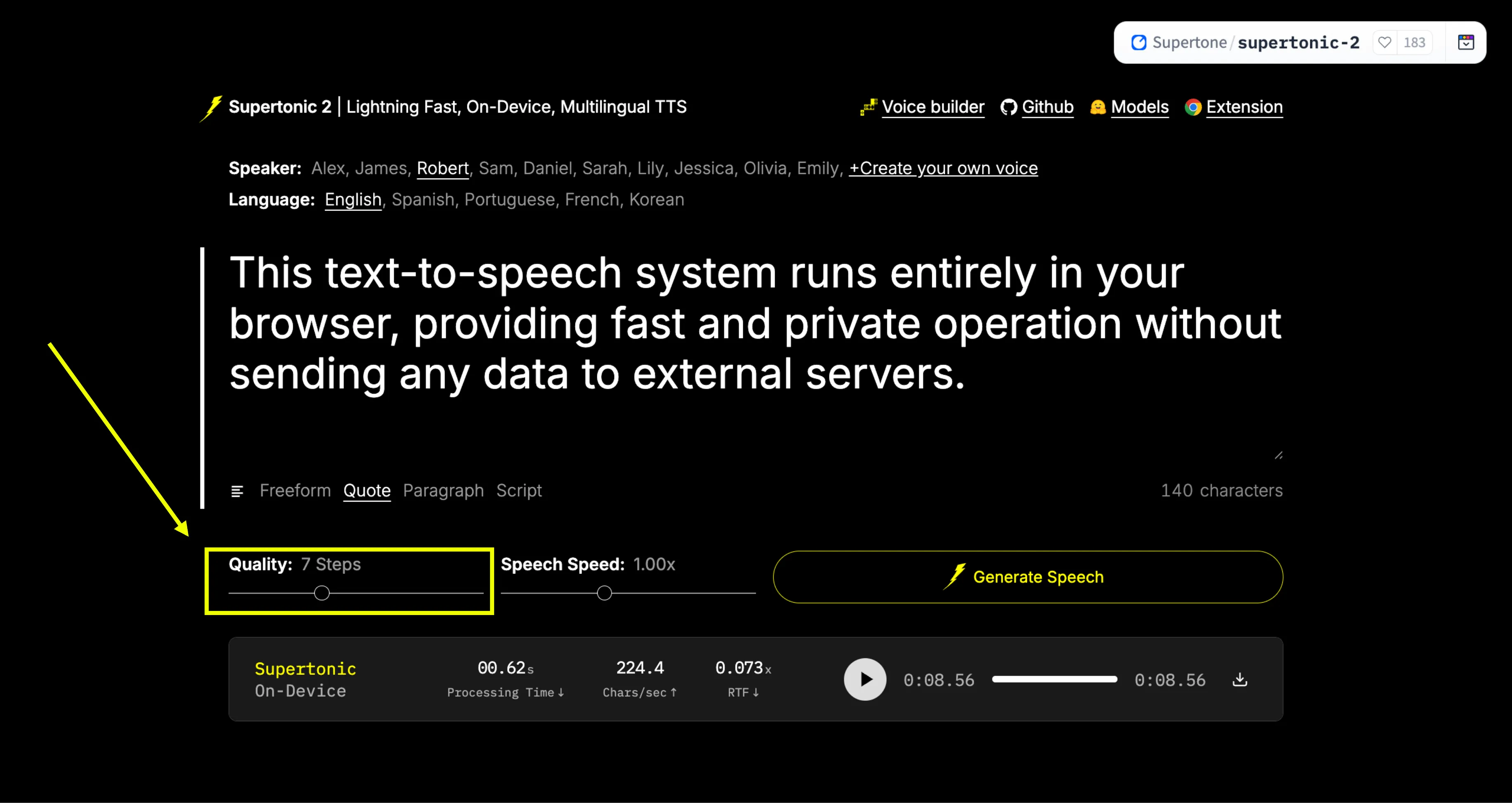
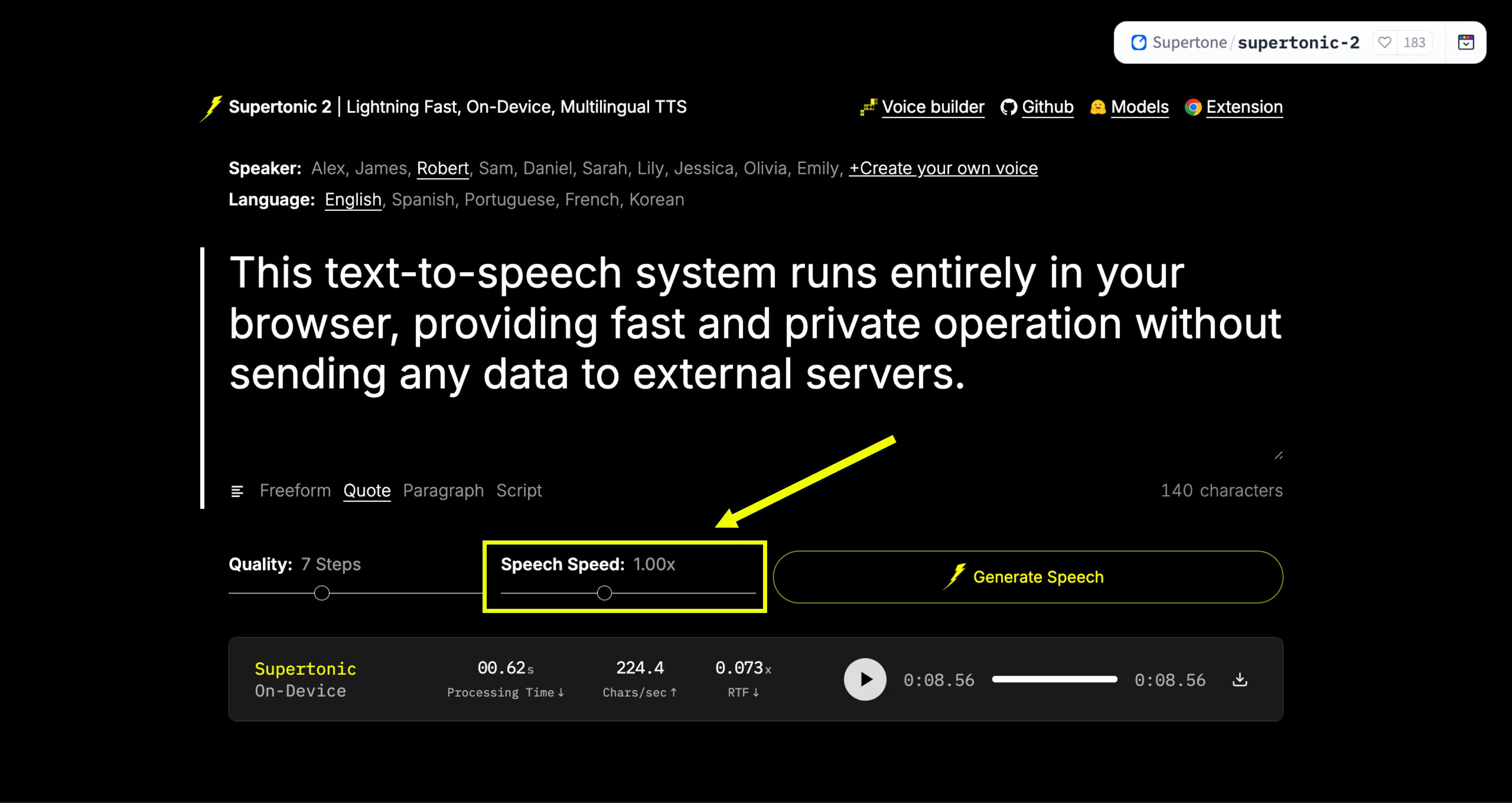
Adjust Quality Steps according to your desired output quality. You can also adjust the Speech Speed to make the voice faster or slower.
Step 4: Generate & Download
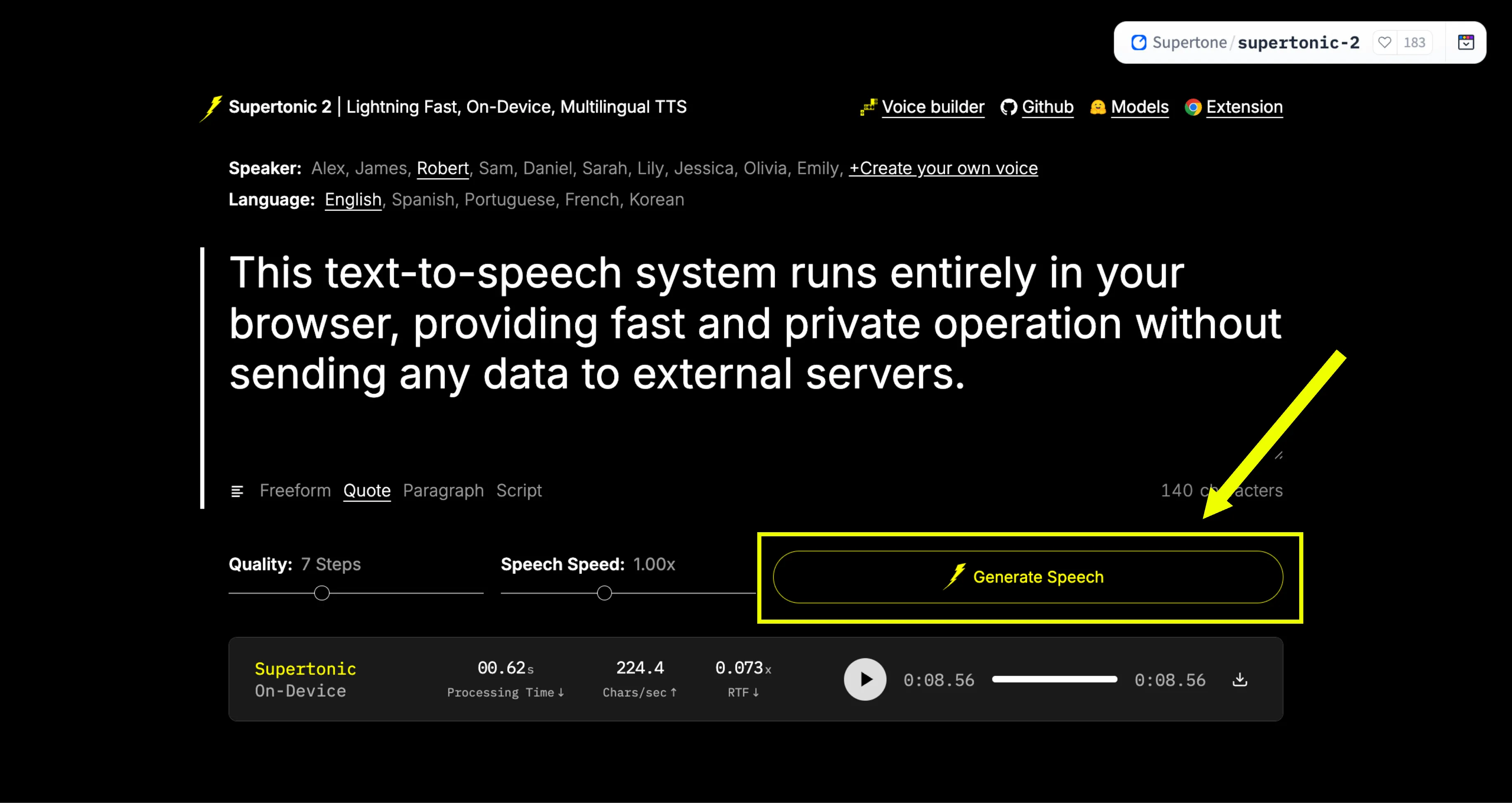
Click the "Generate Speech" button. The system will create the speech in real-time. Once generated, you can listen to it directly or download the WAV file.
Real-Time Generation Example
"This text-to-speech system runs entirely in your browser, providing fast and private operation without sending any data to external servers."
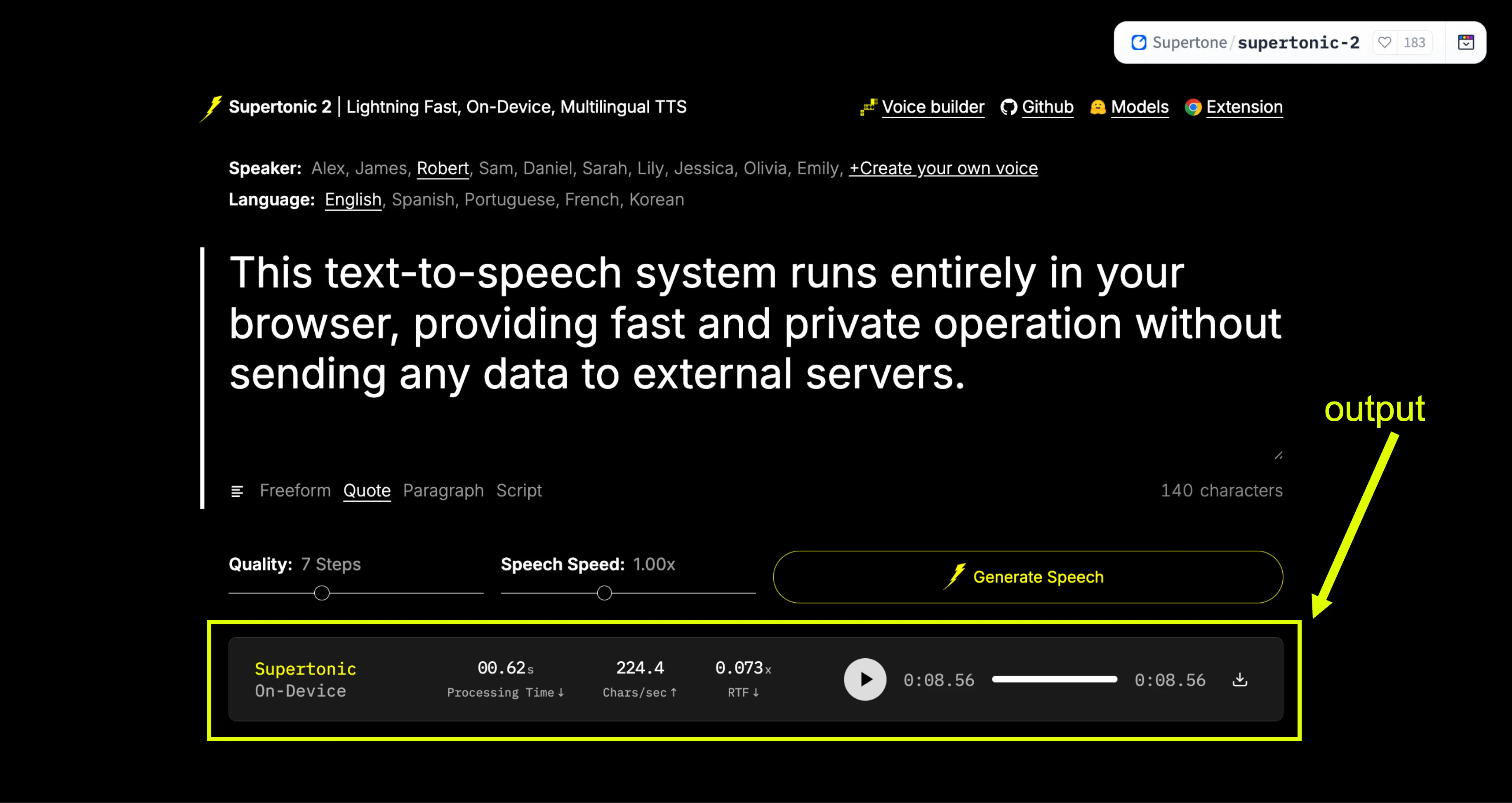
Generated in real-time with zero latency.
Performance Metrics
Supertonic TTS is optimized for extreme speed across different hardware configurations. We measure performance using Characters Per Second (CPS) and Real-Time Factor (RTF).
CPUConsumer Hardware
Optimized for standard processors like the Apple M4 Pro.
Throughput
912 - 1,263 CPS
Real-Time Factor
0.015 RTF
WEBWebGPU Engine
Best performance for browser-based real-time generation.
Throughput
996 - 2,509 CPS
Real-Time Factor
0.006 RTF
GPUEnterprise GPU
Maximum throughput on high-end cards like RTX 4090.
Throughput
Up to 12K CPS
Real-Time Factor
< 0.005 RTF
* CPS = Characters per second. RTF = Real-time factor (time taken to generate / audio duration).
System Architecture
Supertonic TTS uses a highly optimized three-component architecture designed for efficient on-device processing without compromising audio quality.
1. Speech Autoencoder
Converts waveforms into continuous latent representations, compressing data while preserving audio essence.
2. Text-to-Latent
Uses flow-matching to map text directly to audio features, ensuring high fidelity and speed.
3. Duration Predictor
Estimates utterance duration at the sequence level, ensuring natural rhythm and pacing.
4. Cross-Attention
Learns token-level alignment during training, removing the need for external tools.
5. ConvNeXt Blocks
Employs efficient temporal compression for fast inference even on lightweight hardware.
Language and Platform Support
Supertonic TTS provides inference examples and implementations across multiple programming languages and platforms. This broad support makes it accessible to developers working in different environments.
Python implementations use ONNX Runtime for cross-platform inference. Node.js support enables server-side JavaScript applications. Browser implementations use WebGPU and WebAssembly for client-side processing without server dependencies.
Native mobile support includes iOS applications and Swift implementations for macOS. Java implementations work across JVM-based platforms. C++ and Rust implementations provide high-performance options for systems programming. C# support enables .NET ecosystem integration, and Go implementations offer another server-side option.
Flutter SDK support allows cross-platform mobile and desktop applications. Each language implementation includes detailed documentation and example code to help developers get started quickly.
Use Cases and Applications
Supertonic TTS suits applications where speed, privacy, and offline capability are essential. Its lightweight design makes it ideal for a wide range of industries.
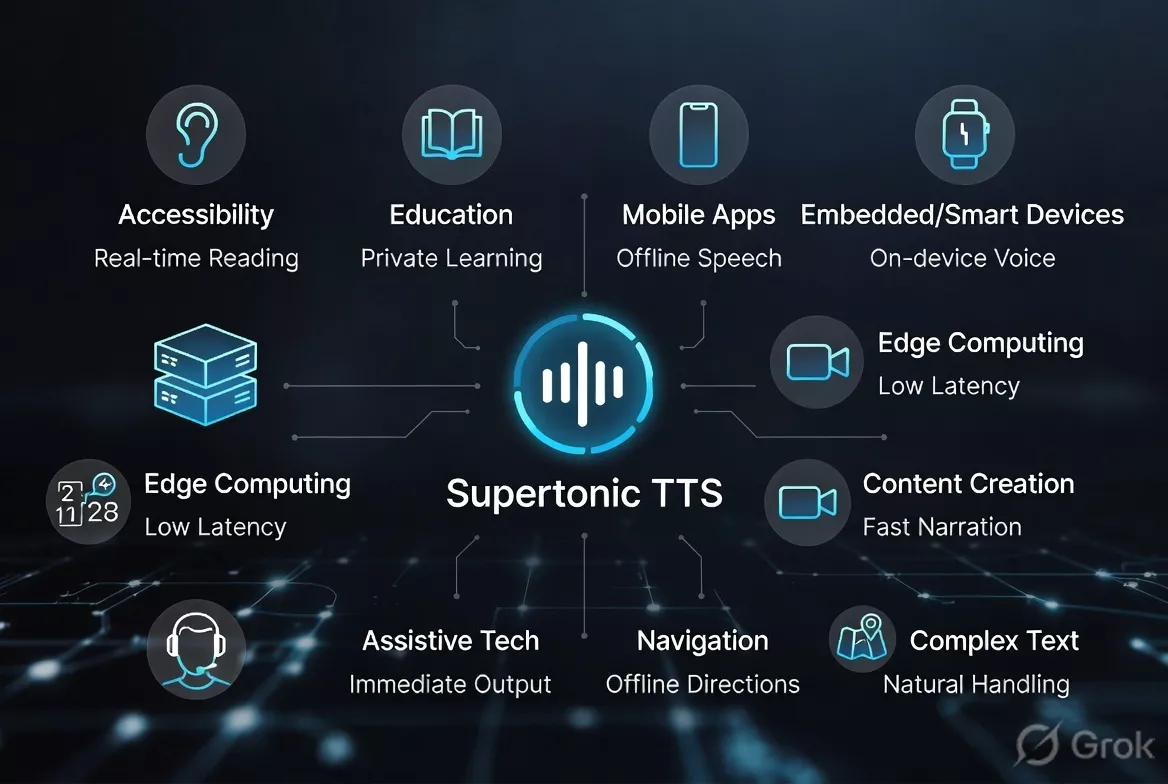
Accessibility & Education
Accessibility tools can provide real-time text reading without network dependencies. Educational apps can generate speech for learning materials while keeping student data private.
Mobile & Embedded
On-device processing works perfectly for offline mobile apps and smart devices, providing instant voice feedback without relying on cloud services.
Content Creation
Generate professional narration quickly for videos, presentations, and navigation systems without latency or per-character cloud costs.
Enterprise & Technical
Naturally handles financial data, technical docs, and formatted content. Its handling of numbers and symbols reduces the need for complex preprocessing.
Advantages and Considerations
Advantages
- Extremely fast speech generation
- Complete privacy with local processing
- No internet connection required
- Small model size for easy deployment
- Natural handling of complex text
- Multiple platform and language support
- Configurable quality and speed trade-offs
- Zero latency from network requests
Considerations
- Requires initial model download
- Performance varies by hardware capabilities
- Model size still requires some storage space
- Quality may vary with inference step count
- GPU acceleration provides best performance